

A way for your child to contact you without their own phone
My Home Call lets a child reach a saved trusted contact from any smartphone, with just their name and face, with no app to download, no password and no numbers to remember. Through our Always a Way Home campaign, messaging, calling and what3words location sharing are free for every child in the UK.
Their plans change. They can still reach you.
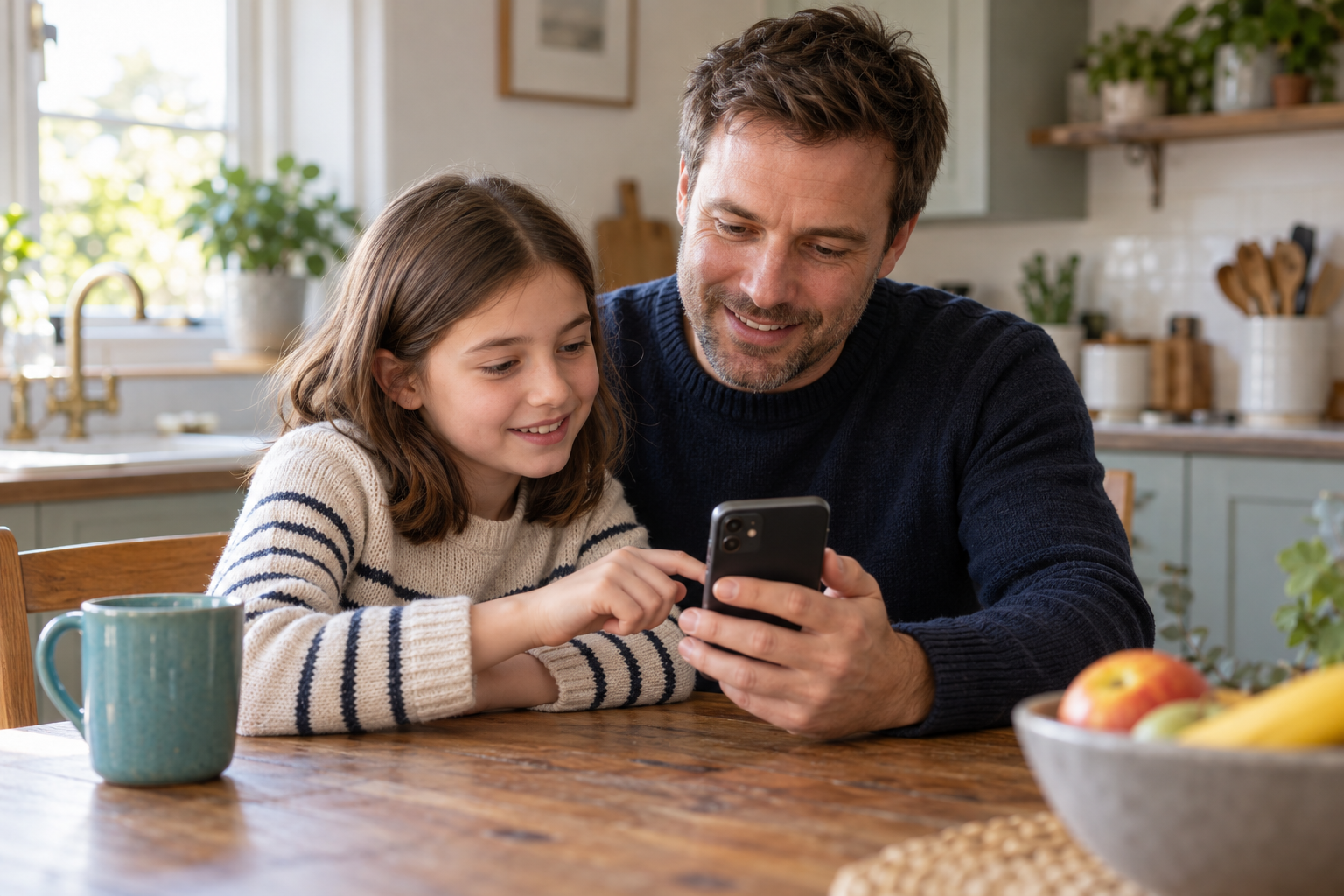
Missed the bus? Finished training early? When your child needs to contact home, they can borrow a smartphone and connect with the trusted contact you’ve chosen.

Any smartphone. Always a way home.
Any smartphone. Always a way home.

STEP 1
One trusted contact, free

STEP 2
No phone of their own needed

STEP 3
Their location, shared
How it works
A parent sets it up
The child checks in
A message goes home
Set up your child’s free My Home Call account
Download My Home Call on your smartphone, create your child’s profile and choose their trusted contact. You manage the account, with one trusted contact included free. Your child doesn’t need their own phone or the app.
Free for every child, and giving back.
Trust and safety
Trust and safety

STEP 1
No photos stored

STEP 2
You stay in control

STEP 3
Refreshed and deleted
Good to know
Yes. Every child in the UK gets a free account with one saved trusted contact, at no cost. There is nothing to pay to set it up, or to reach that contact when it matters. If you want to add more trusted contacts later, you can move to an affordable plan at any time.
No, and that is the whole point. Your child can reach home from any borrowed smartphone or from a My Home Call kiosk, with nothing to download or unlock on that device. A flat battery, a forgotten charger, a lost phone or a phone free school day does not leave them stuck.
When you set the account up, your child completes a quick facial scan. The facial image is never stored. It is converted to an encrypted code, and the original is deleted. When your child checks in on any smartphone or a kiosk, the live scan is matched to that code on our servers to confirm it is them, and the camera image is then deleted.
No. Contact only ever runs one way, and it is always your child who starts it. The app lets your child reach the trusted contacts you have approved, and nobody can use My Home Call to message, call or reach in to your child. You choose and manage who is on their list.
In a phone free school, your child uses a My Home Call kiosk rather than a phone. They enter their name, a quick facial scan confirms who they are, and they choose a trusted contact and a short pre-written message, which is sent by text. School kiosks are for messaging only. This sits alongside whatever the school already uses to store phones during the day, and gives pupils a calm, controlled way to reach home with no personal phone in sight. We are the sole data controller, and the school holds none of your child’s details.
Protecting your child’s data is our highest priority, and we are the sole guardian of it. The facial image is never stored. It is converted to an encrypted code, and the original is deleted. No message history is ever saved. Your child’s details are held securely in the cloud, never on the device they use.
We refresh the account and your consent once a year. If you close the account, or do not renew, the encrypted code is permanently deleted within 30 days, and you stay in control throughout. Compliant with UK laws on general data processing regulations (GDPR).