Are mobile phones becoming an issue in your primary school?
Keeping children connected to home is one part of the conversation. We can help with that.
Parents want to know their child can contact them when they need to. My Home Call provides another way to make that connection, whether the child has their own phone or not.
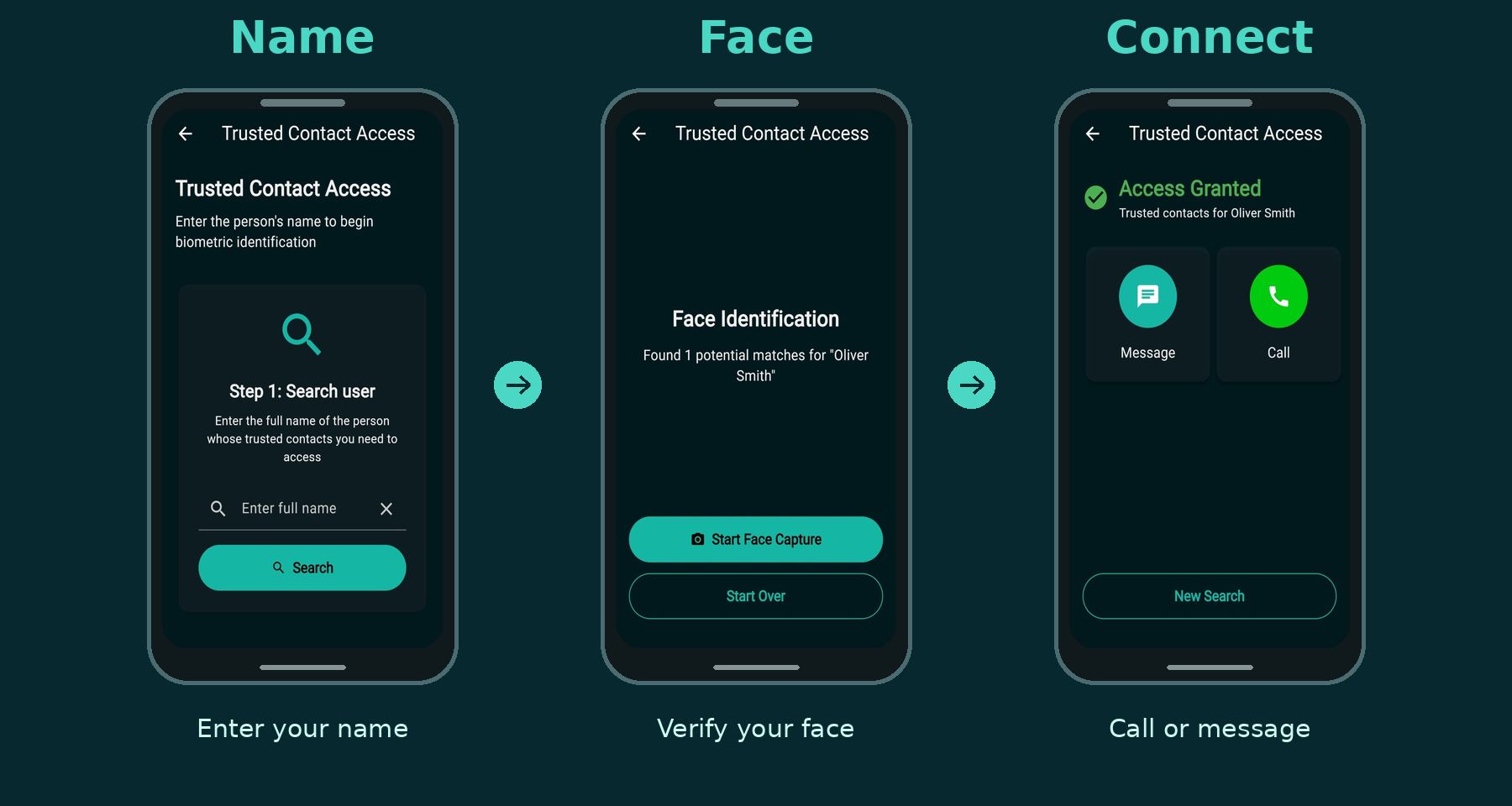
A registered child can call or message a saved trusted contact from a borrowed smartphone using just their name and face. No password, no numbers to remember and no app to download onto the borrowed phone.
MY HOME CALL FOR PRIMARY SCHOOLS
A practical option to share with families
When mobile phones come up in conversations with parents, being able to contact home is often part of the discussion.
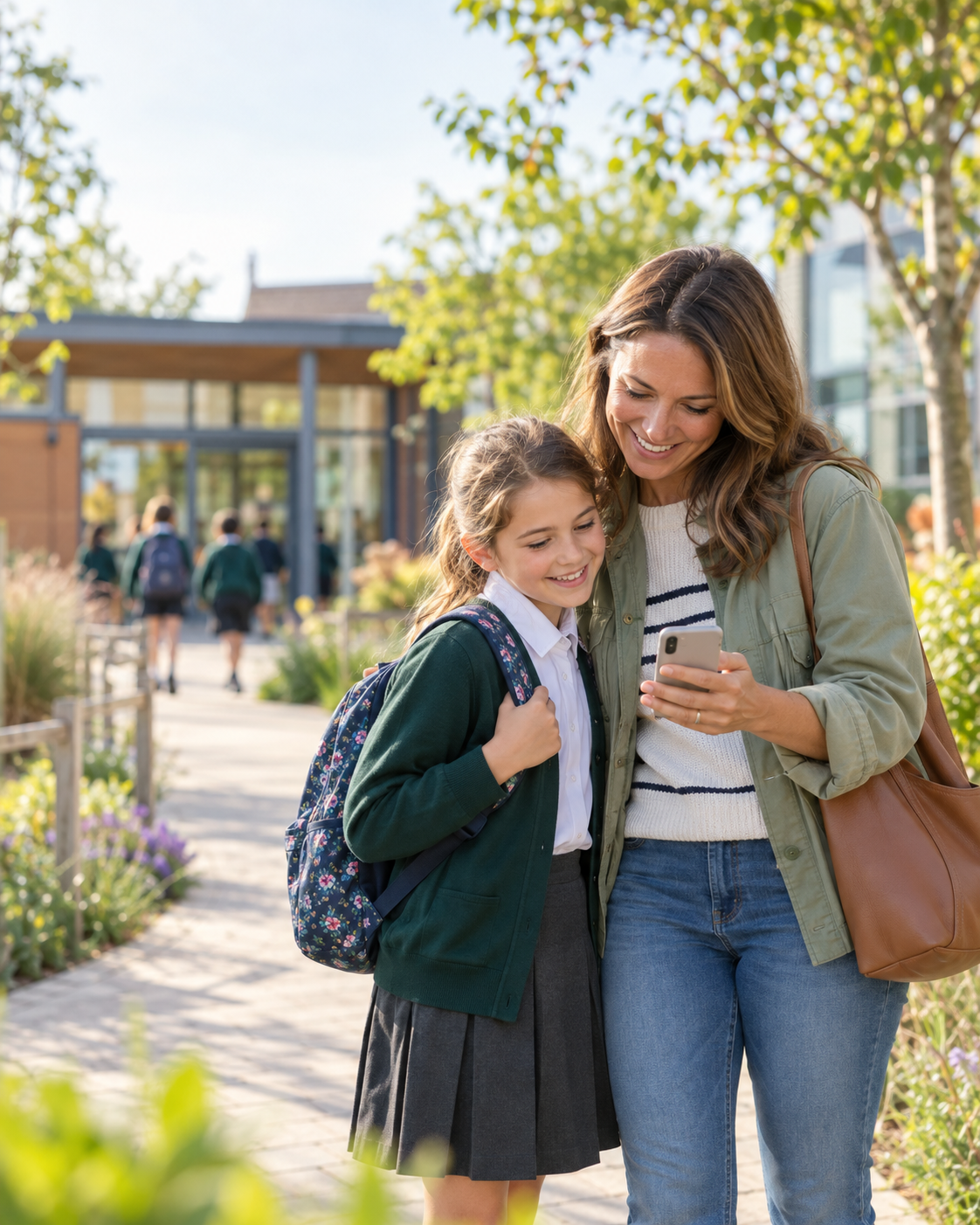
My Home Call gives your school an option to share. Children who do not have a phone can use it to reach their saved trusted contact. For those who do, it provides a backup if their phone is flat, lost or stolen.
Parents set up the account beforehand and practise using it with their child. When needed, the child borrows an internet-connected smartphone with the owner’s permission.
Your school website. A familiar place to start.
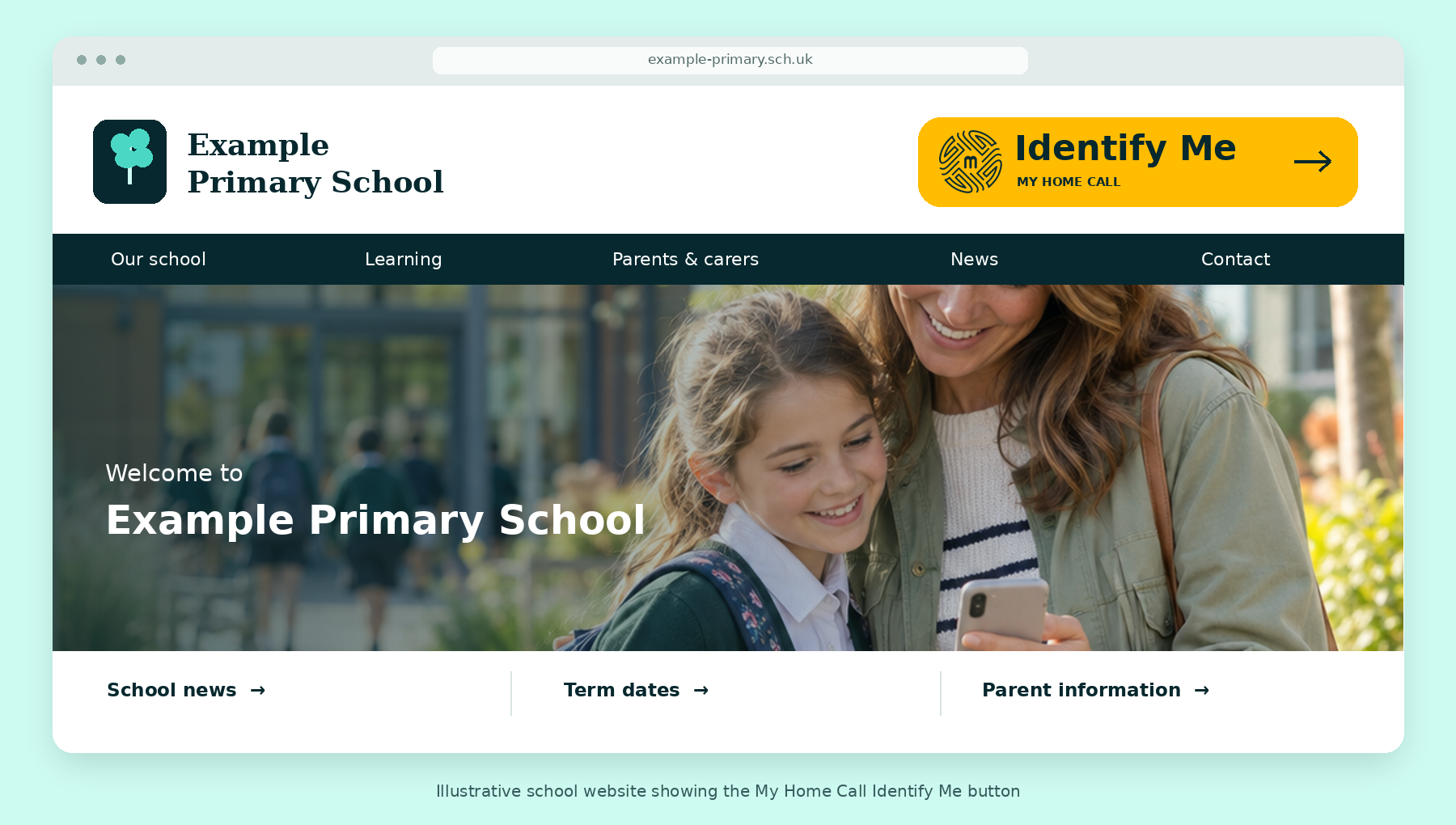
Adding a branded Identify Me button to your school website gives registered children a route to My Home Call through a website they already know.
They open your school website on the borrowed smartphone, tap Identify Me, enter their name and scan their face. They can then call or send a pre-written message to their saved trusted contact.
The button links directly to My Home Call and should be clearly visible on both computers and mobile phones.
Three simple steps for your school community
1. Add the button
We provide the branded Identify Me button and instructions for your website administrator or provider.
2. Share with parents
Use the information we provide in your newsletter, school app or parent emails to explain the service and how families can register.
3. Parents set up and practise
A parent or guardian registers their child, chooses their trusted contact and practises the steps with them. Parents manage the account directly with My Home Call.
What families receive free
The child does not need their own phone, and no app is needed on the borrowed smartphone.
One saved trusted contact
Calling
Pre-written messaging
what3words location sharing
We provide the materials to get started
Your school receives:
See how it could work at your school
Contact us for the branded website button and parent information, or arrange a short demonstration for your school team.