

The Missing Piece of a Phone Free School
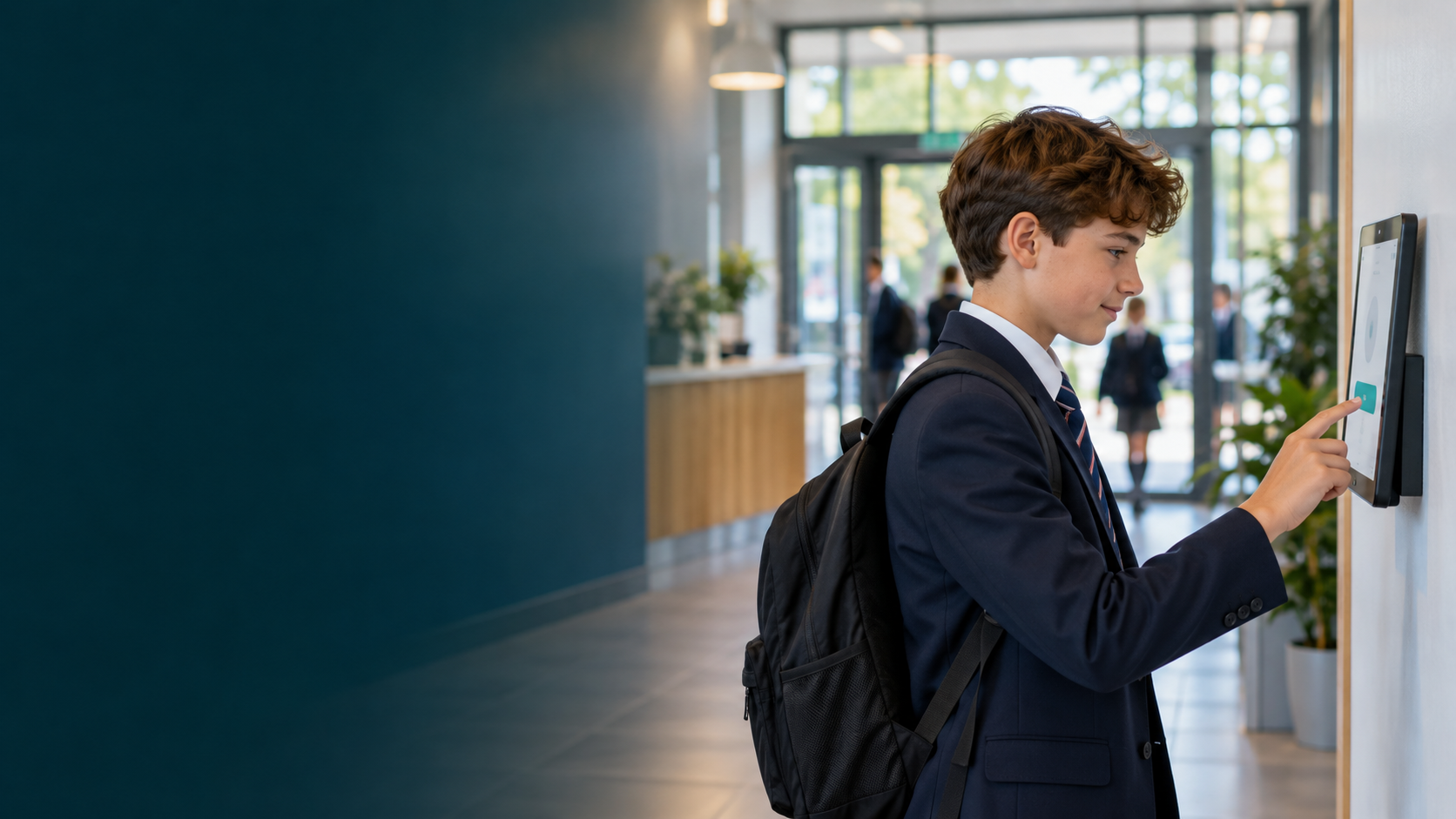
You have taken the phones away. Every ordinary reason a pupil would have reached for one, a forgotten kit, a change to who is collecting them, topping up lunch money, still arrives, and now it arrives at your reception. My Home Call gives that traffic somewhere else to go: a secure kiosk where a pupil reaches a trusted contact with just their name and their face.

Messaging only

No pupil data held by the school

///what3words on every message
The phones are away. The reasons to reach home are not.
A storage policy solves the phone. It does not solve the phone call. Once a phone is in a pouch or a locker, every small, legitimate reason a pupil would have used it lands somewhere, and that somewhere is usually your front office.
It lands at reception
A forgotten kit, a missed bus, a change to collection, topping up lunch money. Each one becomes a request at the desk.
It pulls staff off task
Every message relayed by hand is a member of staff taken away from something else, several times a day.
It is the question that softens the policy
The concern that waters down a phone free policy is how a child reaches home. Answer it cleanly and the policy holds.
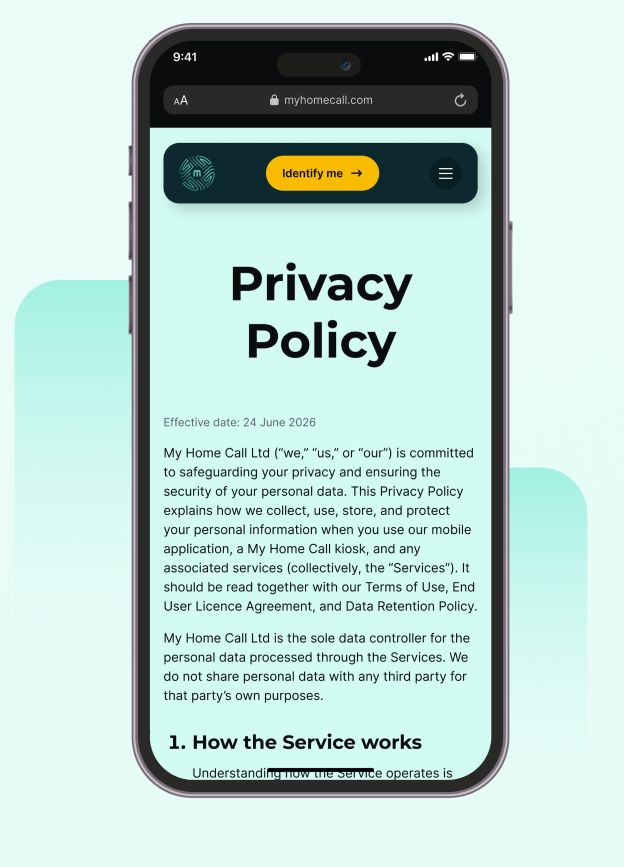
A secure kiosk that does one job.
The parent sets up the account
The pupil identifies at the kiosk
The message goes home
What pupils actually message about?
Built so it cannot be misused, and so it is not your data to hold.
The kiosk does one job and is locked down to that job. The school provides a location and a wifi connection, and nothing more. My Home Call runs the system end to end.

Pre written messages only. No free text conversation.

No browsing, no social media, no access to anything but the app.

My Home Call is the sole data controller. The school holds no pupil records, is neither controller nor processor, and needs no Article 28 data processing agreement. The school is simply the location.

Contact is always started by the pupil. Nobody can reach in.

Phone numbers are never displayed on the kiosk.

Biometrics and consent refresh every year. The facial hash is permanently deleted within 30 days of non renewal, account closure or consent being withdrawn.

Voice calling is disabled at the kiosk. No SIM, no internet calling.

No message history is ever kept.
A closed system, run by us
Nothing for IT to manage
One line for your filter
A phone free policy you can implement and defend.
Schools are the foundation of the phone free movement, encouraging a more interactive childhood. My Home Call sits alongside that work. It is the piece that lets a school hold the line, because families know their child always has a controlled way to reach a trusted contact, in and out of school. That removes the single objection that most often waters a policy down.
This matters more as the framework tightens. The Children’s Wellbeing and Schools Act 2026, Section 36, brings phone free practice into statute, and Ofsted is assessing how schools implement it from September 2026. My Home Call gives you a clean, defensible answer to the question inspectors and parents both ask: how does a child reach home when the phone is away.
Store the phones however
works for you.
My Home Call works alongside whatever storage you already use, whether that is pouches, lockers or a classroom wallet. Pouches do the job they are designed for, and if yours are working, keep them and add the kiosk so that everyday contact with home stops arriving at reception.
Where you are still choosing how to store phones, we recommend lockers. A locker is fixed to the wall: it cannot be forgotten, lost or left on a bus, and nothing needs reordering each September.
Lockers and the kiosk, at no cost to the school
We offer a complete solution with secure lockers supplied and installed alongside the kiosk, funded by us, with a share of the revenue generated at your school paid back to you every year.
The same account reaches home outside school too.
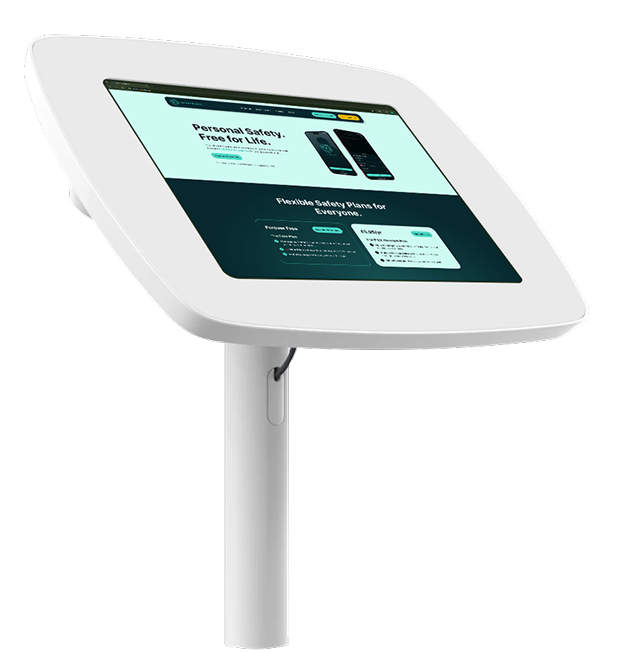
The trusted contacts a pupil uses at the kiosk are the same ones they can reach away from school. On a trip or a day out, or if their own phone is lost, stolen or on a flat battery, a pupil can borrow any smartphone, go to the My Home Call website and reach a trusted contact with a facial scan. There is nothing to install on the borrowed phone, and the message includes their ///what3words location automatically.
Families set this up themselves. You can point parents to My Home Call, and the school carries no part of it.
Schools are already live and running My Home Call.
A number of schools have kiosks installed and in daily use. We schedule fitting around your calendar, so the disruption is minimal and the kiosk is ready before the pupils are. Ask us to walk you through a school that is already running it, and how the same setup would work in your building.
See the kiosk in action.
Book a short demo and we will show you how pupils reach home, what the school holds (nothing), and how a kiosk would sit in your building. There is no cost and no obligation.